My RTX 5070 has 12GB of VRAM, which is enough for smaller local models but not enough to hold every model I wanted to try. The Windows PC with the 5070 attached also has 64GB of system RAM, so a practical solution is to let llama.cpp put as much as possible on the GPU and offload the remainder to RAM.
The result is a private local-model server with seven selectable models:
- Gemma 4 12B IT
- Qwen3 14B
- GPT-OSS 20B
- GLM-4.7 Flash
- Nemotron 3.5 Lightning 30B-A3B
- Devstral Small 2 24B
- Qwen3.8 27B
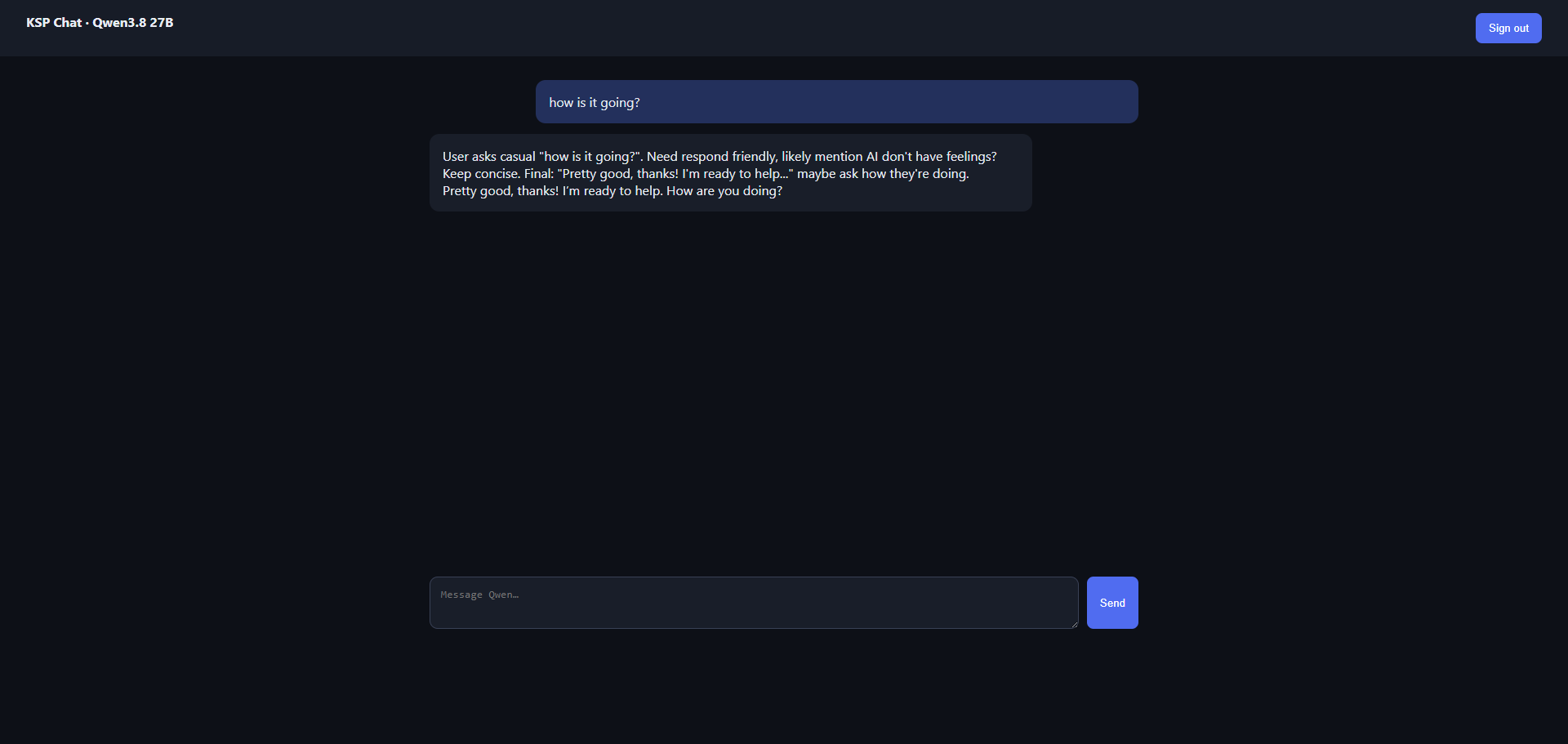
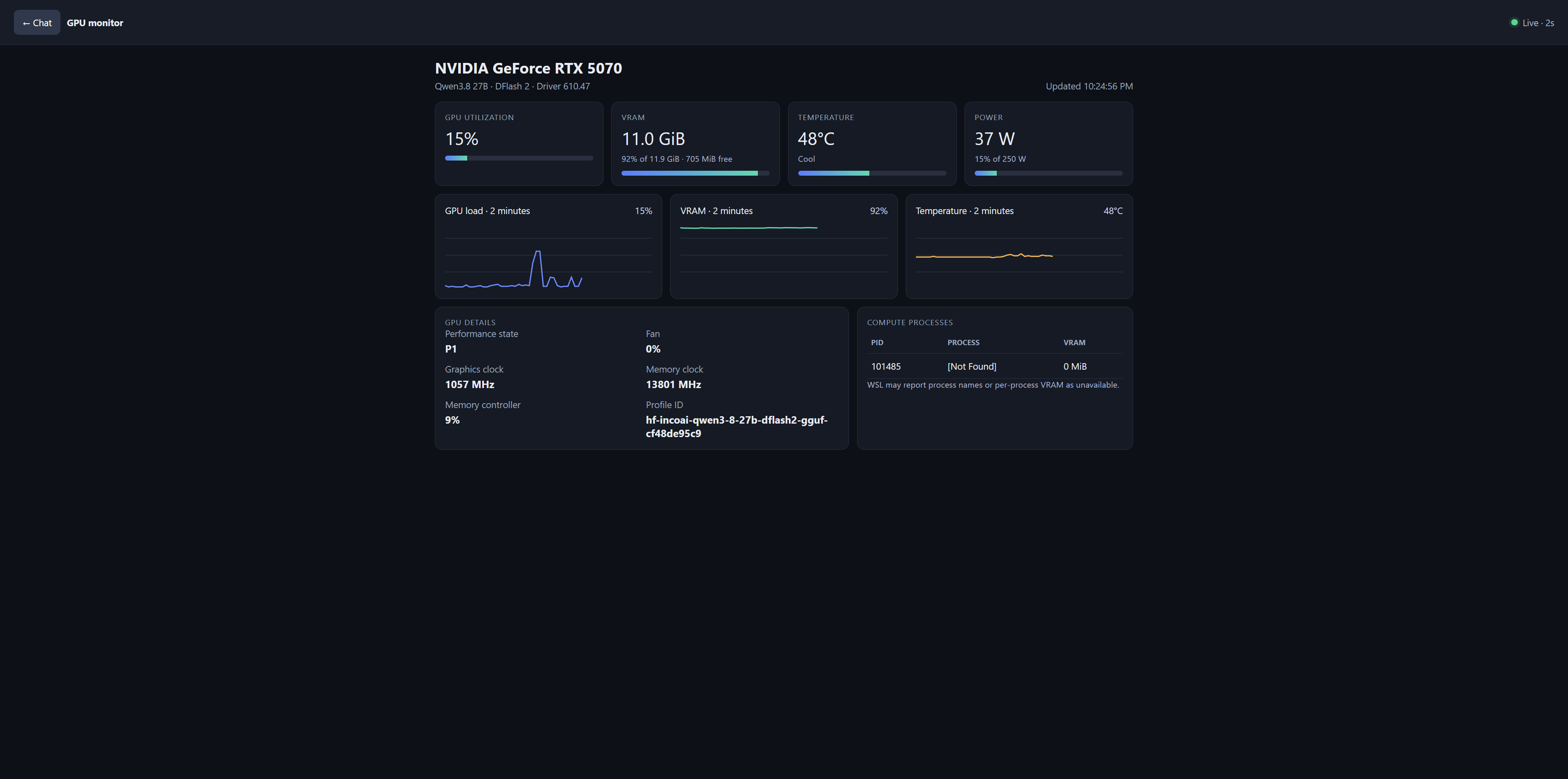
Screenshot of the crude webapp:
One GPU, one model at a time
Only one model is loaded at a time. A small allowlisted controller switches models, restarts the Windows llama.cpp process, and waits for the selected model to become healthy.
From any terminal or tmux pane, each model is available as a one-word command:
gemma
qwen14
gptoss
glm
nemo
devstral
qwen27
The browser interface has the same model selector. It runs on my Linux client and reaches the Windows PC through an SSH tunnel into WSL2. The llama.cpp API itself is available on my local network.
What 12GB of VRAM actually means
The models all fit because Windows and WSL can use system RAM for the layers that do not fit on the RTX 5070. Performance varies considerably however.
Gemma is the comfortable option and produced around 54 tokens per second in a short test. Qwen 14B and GLM-4.7 Flash landed around 12 and 16 tokens per second. The larger dense models require more CPU and RAM offload and are slower, but they still run.
I kept every model at an 8K context after measuring actual VRAM use. Several profiles left less than 1GB free, which is not enough margin to increase context safely.
Giving the GPU back
The Windows machine is still a “gaming” PC, so the chat interface on the web interface has a Vacate GPU button if the GPU is needed for something else.
A lightweight WSL watcher remains active on the Windows machine and sending a new message in the web app automatically loads whichever model is selected.
That may be my favorite part of the project: the Windows machine remains a gaming PC, while the Linux workstation gets a private collection of local models whenever I need them.